

Högre logo
← Back to the home page

A better experience
for applicants

Easy to apply, book a viewing and follow everything in My account.
How it works
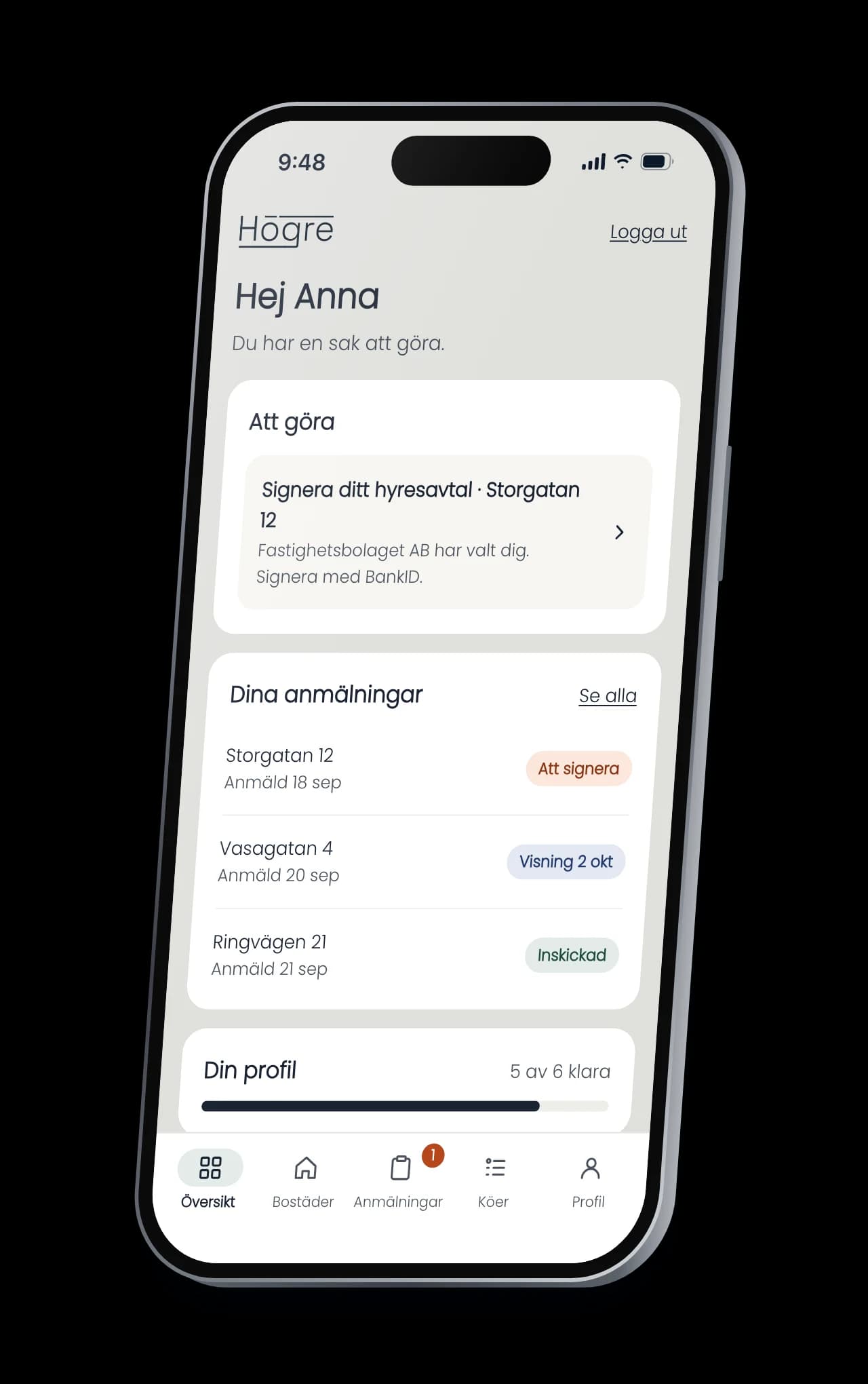
Högre for applicants on an iPhone: The overview in My account, with a lease to sign, the applications and the profile.

Easy to apply

  1. 01

    Apply and book a viewing in one go

    Name, mobile number and a time. No BankID needed to show interest.
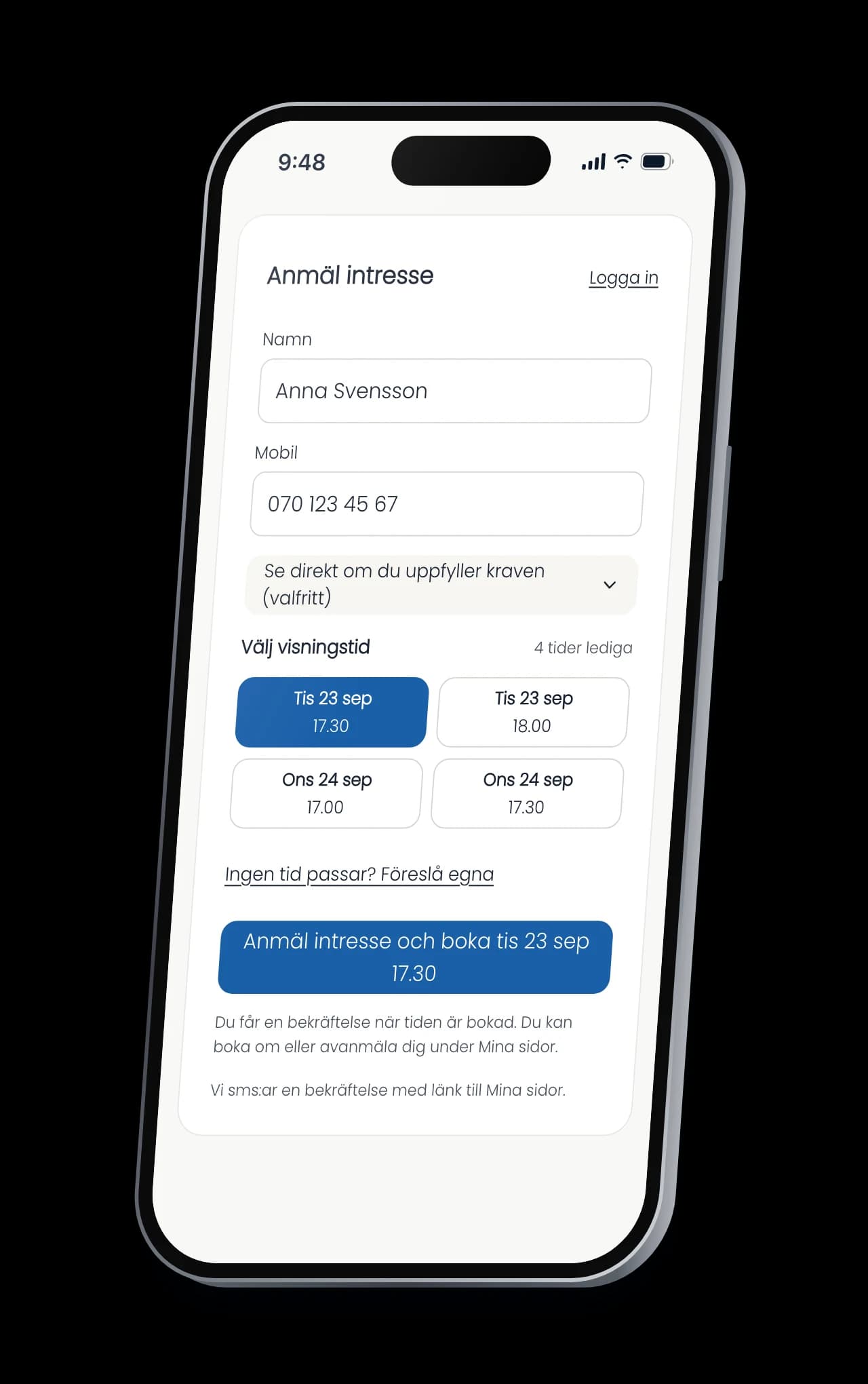
    Högre for applicants on an iPhone: Applying on the listing page with name, mobile number and a viewing time, and the button to apply and book.
  2. 02

    No time that suits? Suggest your own

    Up to three times. You approve the one that works.
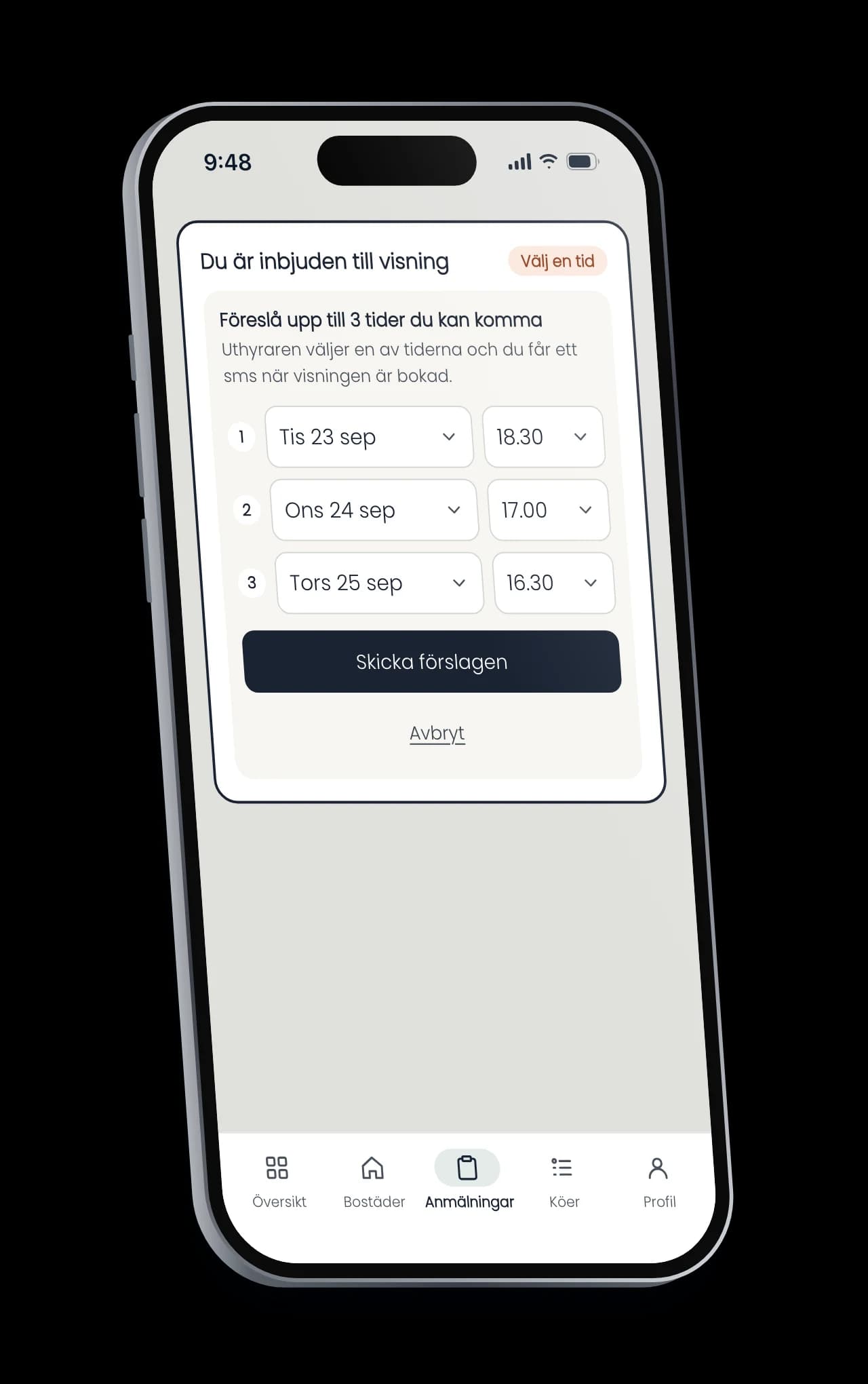
    Högre for applicants on an iPhone: A viewing invitation in My account, where the applicant suggests up to three times of their own.

Easy to follow

  1. 03

    Rebook instead of not showing up

    Change the time or give the place to someone else, right in My account.
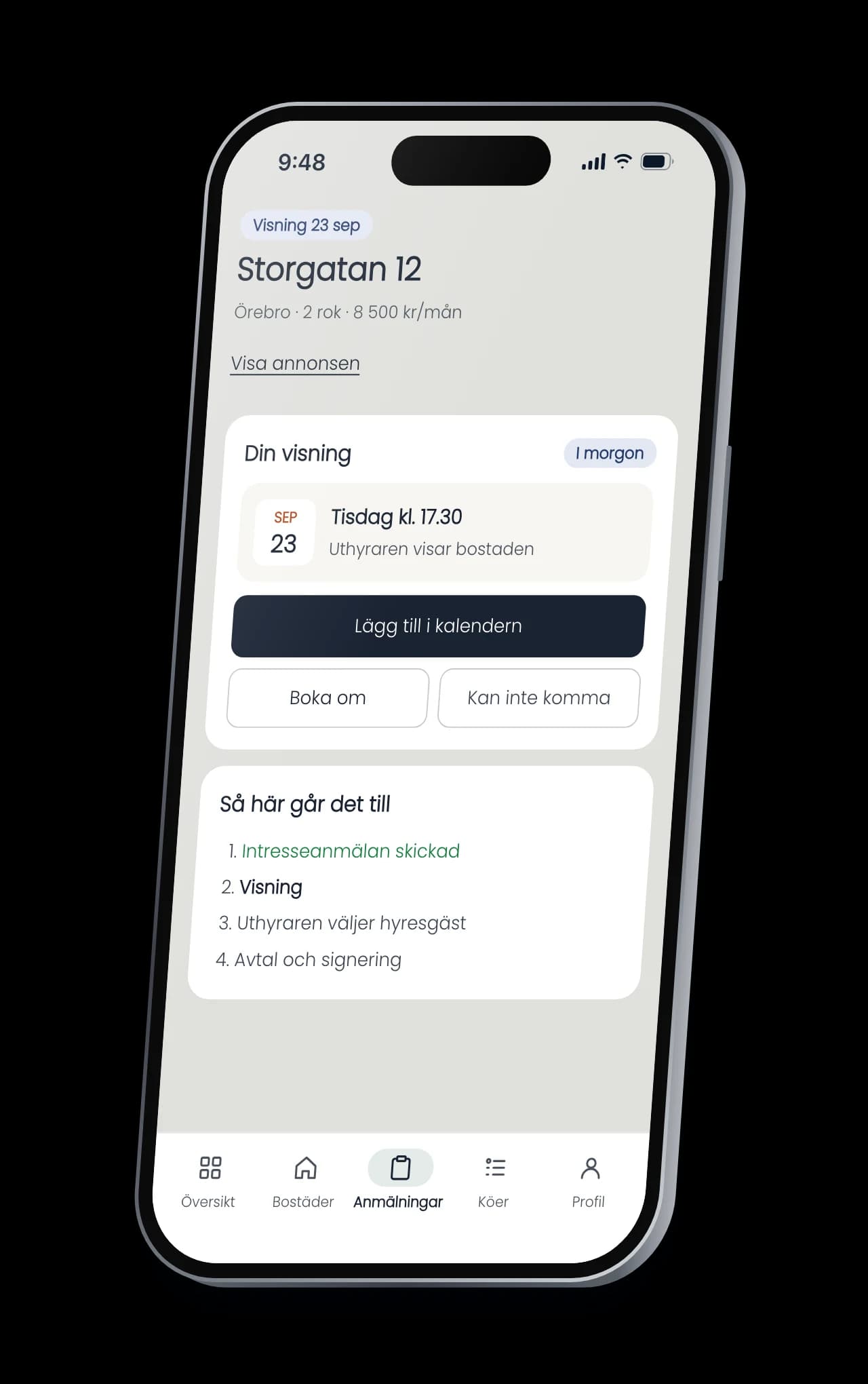
    Högre for applicants on an iPhone: An application in My account with the booked viewing and buttons to add it to the calendar, rebook or cancel.
  2. 04

    The profile is filled in once

    Income, certificates and household come with every application.
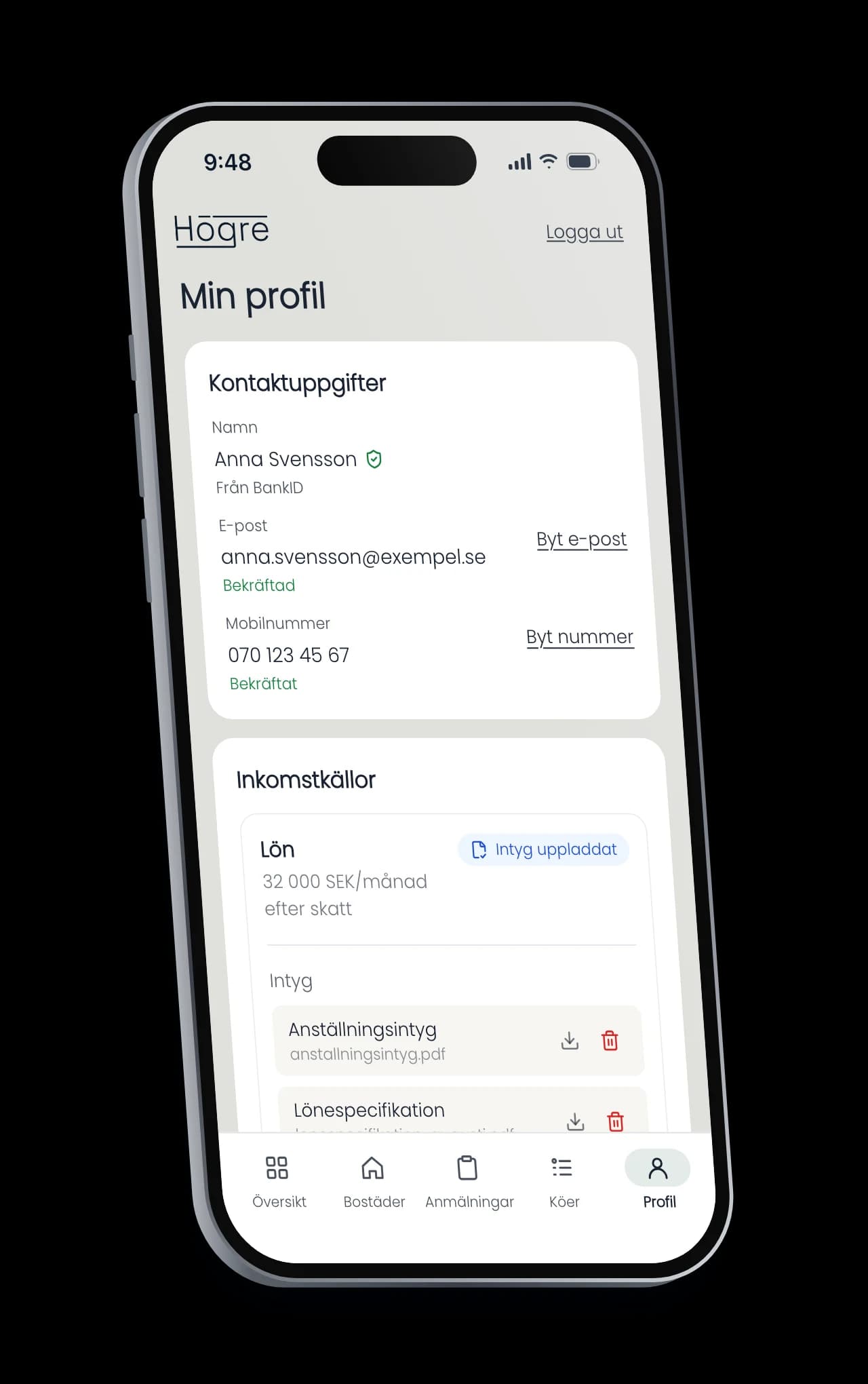
    Högre for applicants on an iPhone: The profile in My account with contact details, income and certificates.

Smooth all the way

Text or email about the viewing

The confirmation links straight to My account.

Log in without a password

With a text code, an email link or BankID.

Co-applicants without BankID

Invited from the profile, they join with a text code.

Your logo on the listing

The listing and the lease in your brand.

Want to see what it looks like for your applicants?